Introduction#
Most people only use Siri for basic voice commands, but Shortcuts lets you go a lot further, chaining actions together across different apps into custom workflows. I’ve used it for years now, mostly to automate small annoying tasks, and it’s also taught me to break problems down into logical steps.
I’ve built up a fairly large library of shortcuts over the years. Here are five of my favourites.
Climbing Capacity#
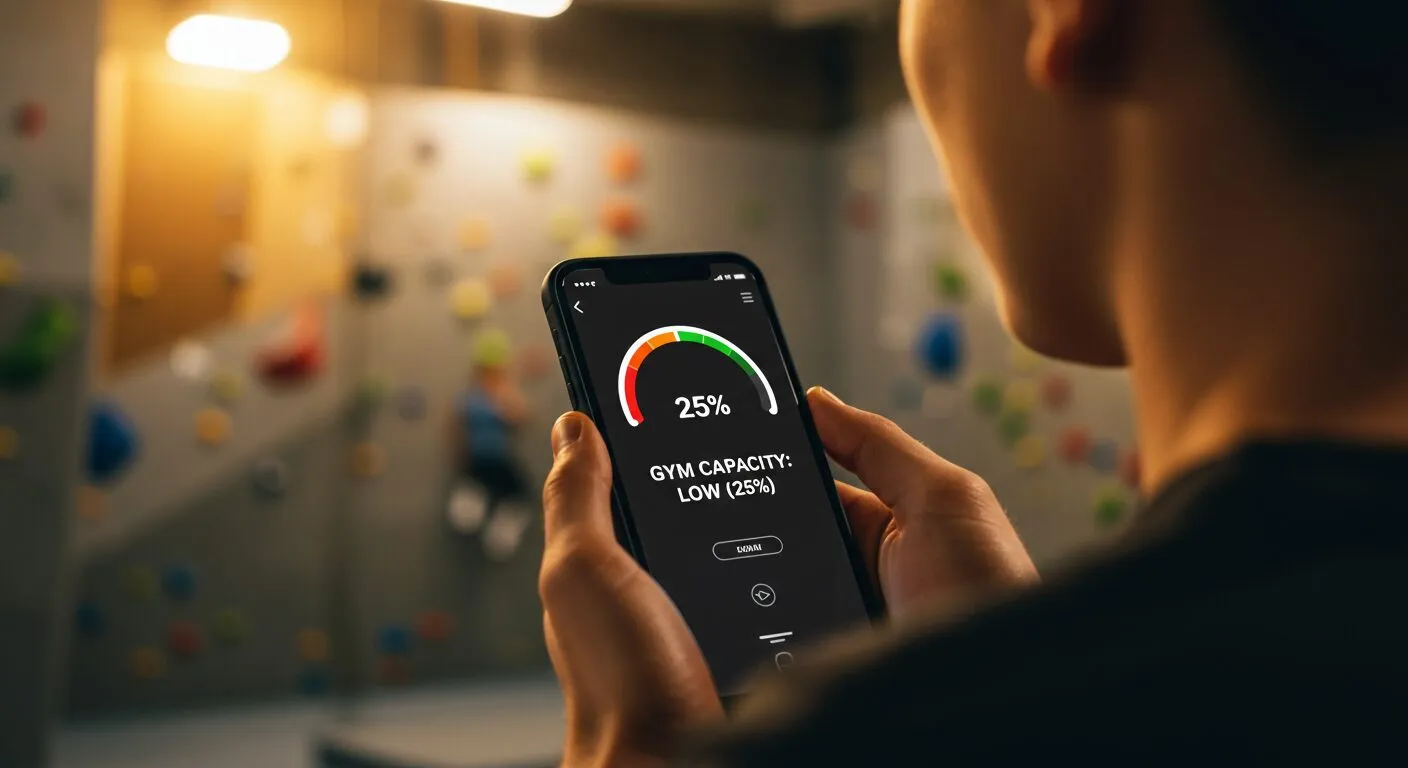
I prefer climbing when the gym’s quiet, so I built a shortcut that checks my local climbing gym’s occupancy for me. It sends an HTTP GET request to their capacity page and parses the result with regex, instead of me having to open the site and check manually.
Fun Facts for the Group Chat#
This one’s less about utility and more about practising with APIs, the OpenAI API, and prompt engineering. It runs automatically every day at 12:30: it calls an API for a fun fact, asks an LLM to come up with a relevant GIF search term, pulls the top Giphy result, and sends the whole thing as a message to the group chat.
Managing Homework#

I used to miss deadlines because I wasn’t tracking assignments properly, so I built a shortcut for it: pick a subject from a dropdown, get a prompt tailored to that subject, and it links straight to the right Google Classroom page. It’s made actually starting my homework a lot less friction-y.
Corbett Maths Questions#
Concentration for GCSE maths revision was hard for me with ADHD, so I wanted a way to start practising with as little friction as possible. Corbett Maths has well-structured daily resources, so I built a shortcut that takes the current (or a chosen) date, generates the right URL with regex, and pulls up the question and answer PDFs directly for annotation on screen, with no need to go hunting through the site each time.
Water Eject#
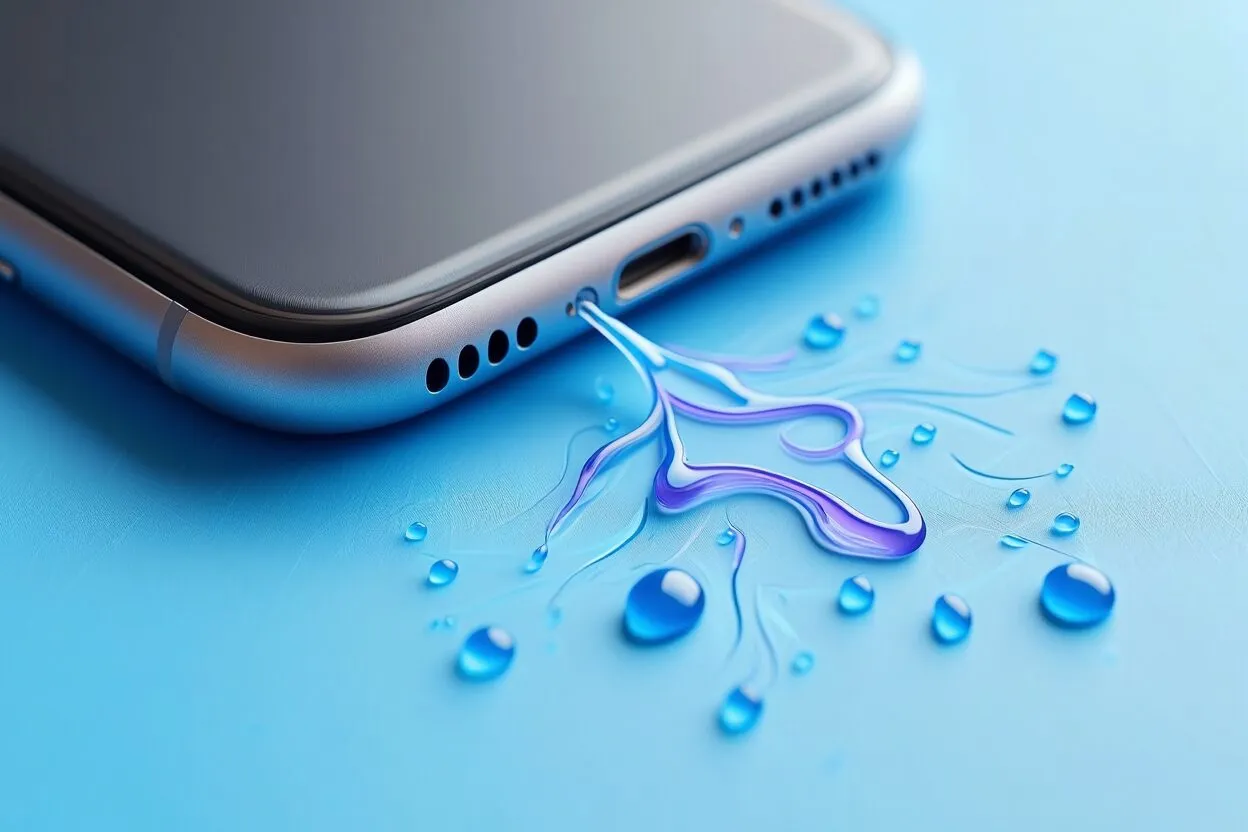
Everyone knows that muffled sound a phone speaker makes after it’s been in water. Before this shortcut, the only fix was waiting for it to dry out or switching to headphones. This one clears the water out in a few seconds instead.
It’s not magic, just audio engineering. The shortcut plays a low-frequency sound file (embedded in the shortcut as Base64) that vibrates the water out of the speaker cavity.